How Kirocast works with AI coding agents like Claude and Codex
Talk mode and agent-recorded videos bring two sides of the same workflow together: explain what you see, then show what you built.
 Gabrielle2 min read
In this article
Talk mode: show your agent what you mean
Some feedback is easier to give with the screen in front of you. A button is in the wrong place. A transition feels abrupt. A flow needs one less step. Describing the whole interface in a prompt takes you away from the thing you are trying to explain.
Talk mode lets you hold Control and Option, talk while pointing at the screen, and release to finish. The recording and its transcript preserve the explanation together. Export for AI makes that context available to a coding agent.
Agent-made videos: let it record the result
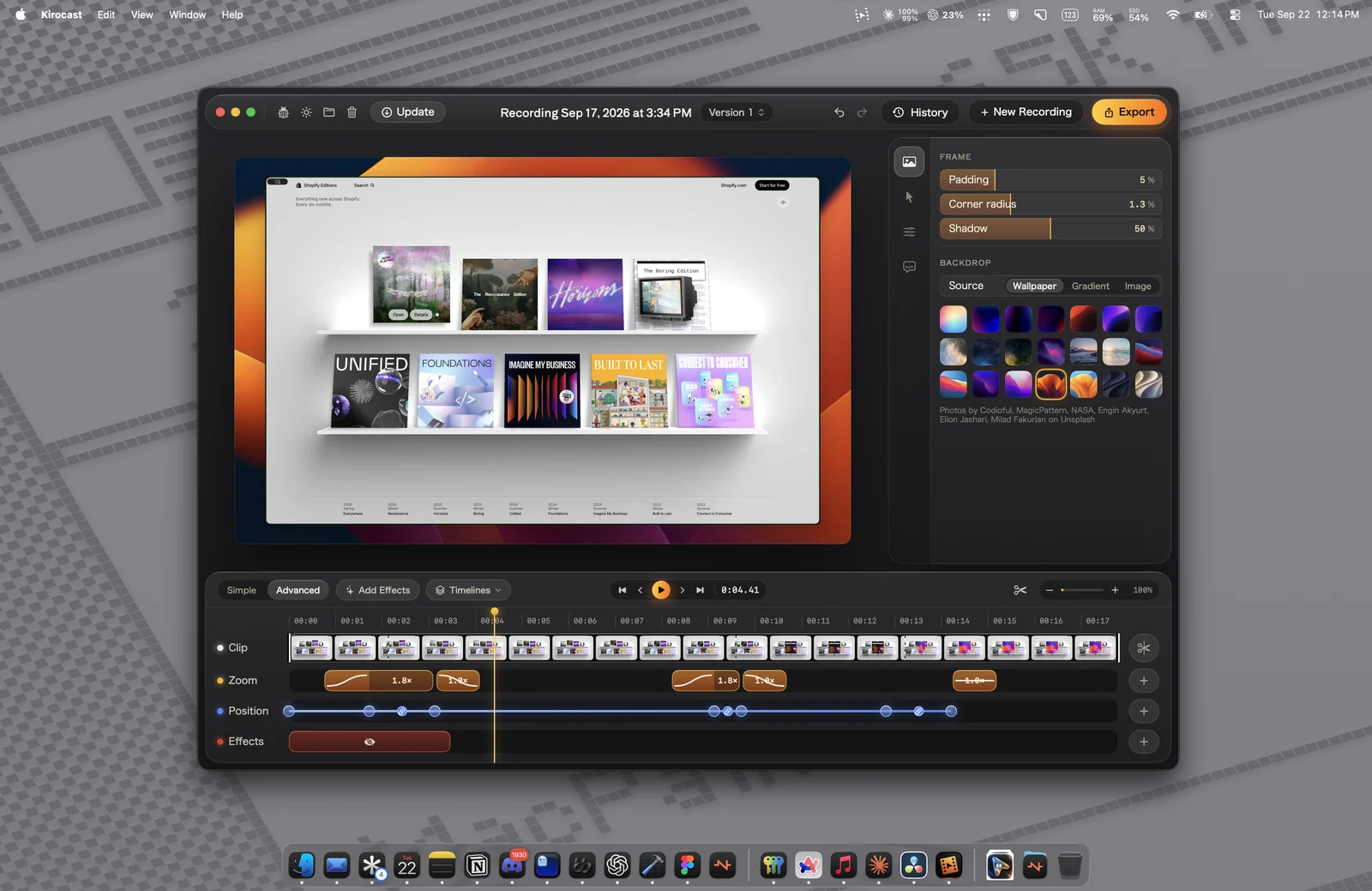
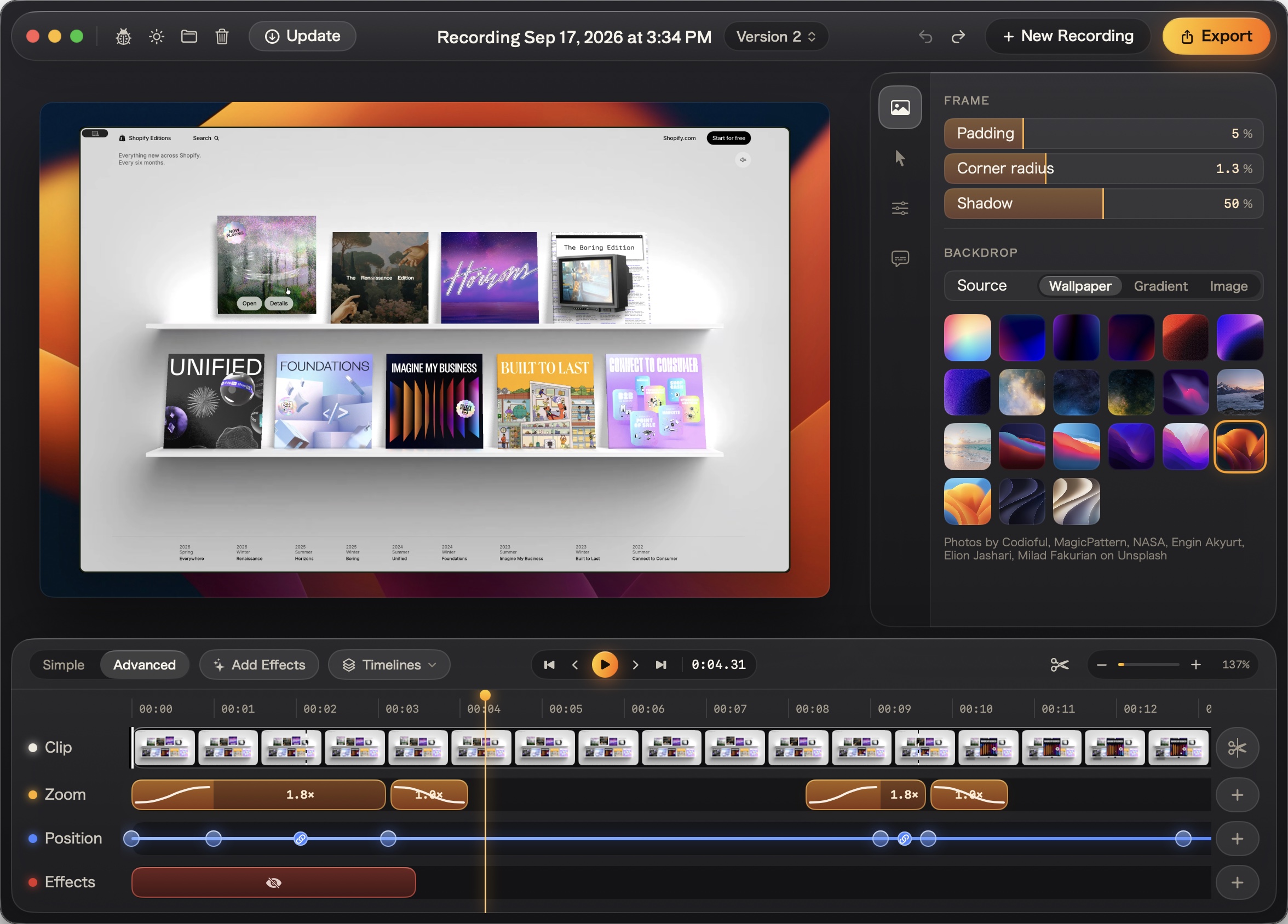
The same screen becomes useful again when the change is ready to show. Kirocast’s MCP connection lets an agent work with the recorder and editor to make a walkthrough from a script.
Version 0.12.0 added one-click connections for Claude and Codex in onboarding and Agent Settings, alongside a walkthrough of agent-made videos. It also expanded the ways an agent can inspect part of a project and adjust zoom timing.
Why both live in one app
A recording can explain a problem before the work starts, or demonstrate the result after it is finished. Both need clear context. Both benefit from a video you can inspect and edit.
This is the product direction the current site presents: show your agent what you mean, or ask it to record the walkthrough. Future posts can trace the decisions behind that direction in more detail, with the original prototypes and the founder’s account.